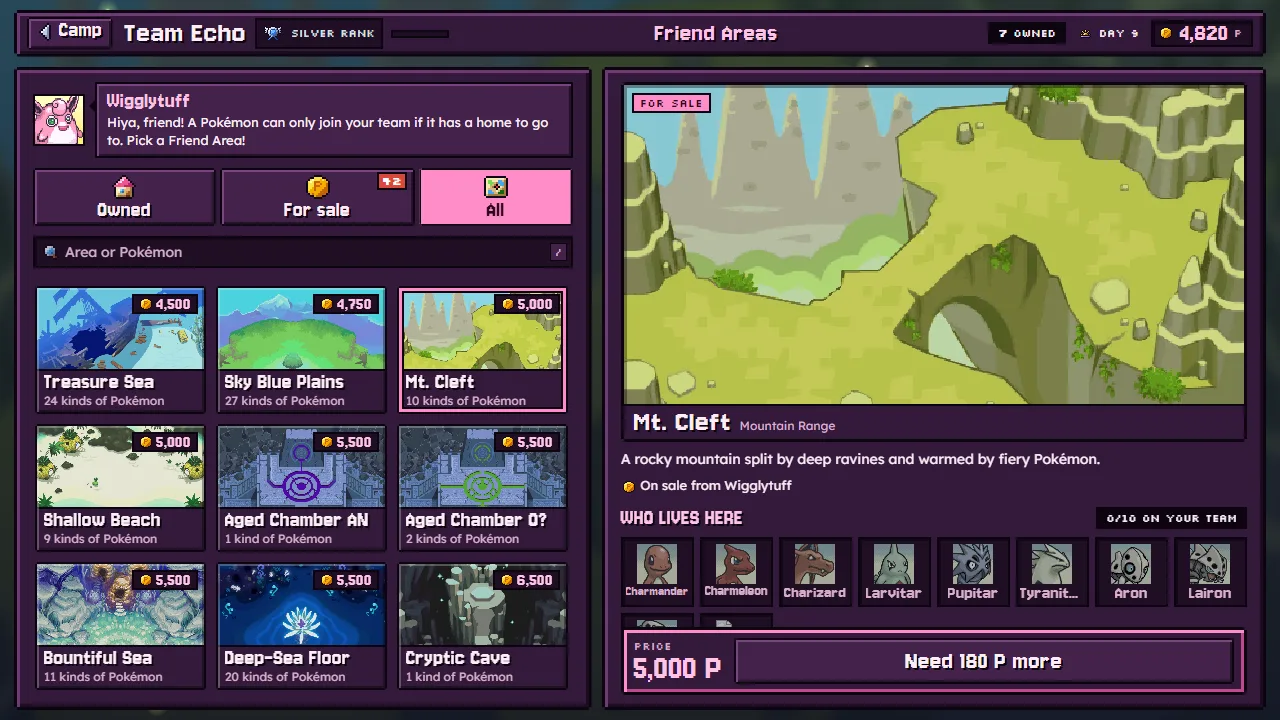
Every Pokémon on your team lives in a Friend Area, a home that suits its kind. Wigglytuff sells them at camp, under Friend Areas.
Why a Pokémon needs its area
Almost every species has a Friend Area, and a new recruit can only join once you own it. Until then it waits at camp, on the Waiting tab of Meowth's Gacha (Recruiting). It keeps its level and its colours while it waits, so nothing is lost.
Some never wait:
- your hero and your partner;
- Pokémon a story chapter gives you;
- legends: each one opens its own area as it joins;
- a copy: if one of its family is already on your team, it joins that one as a copy, area or not (Stars and copies).
The join screen and the Pokédex both say which area a Pokémon needs, and whether you own it, can buy it or must wait for it.
Buying areas
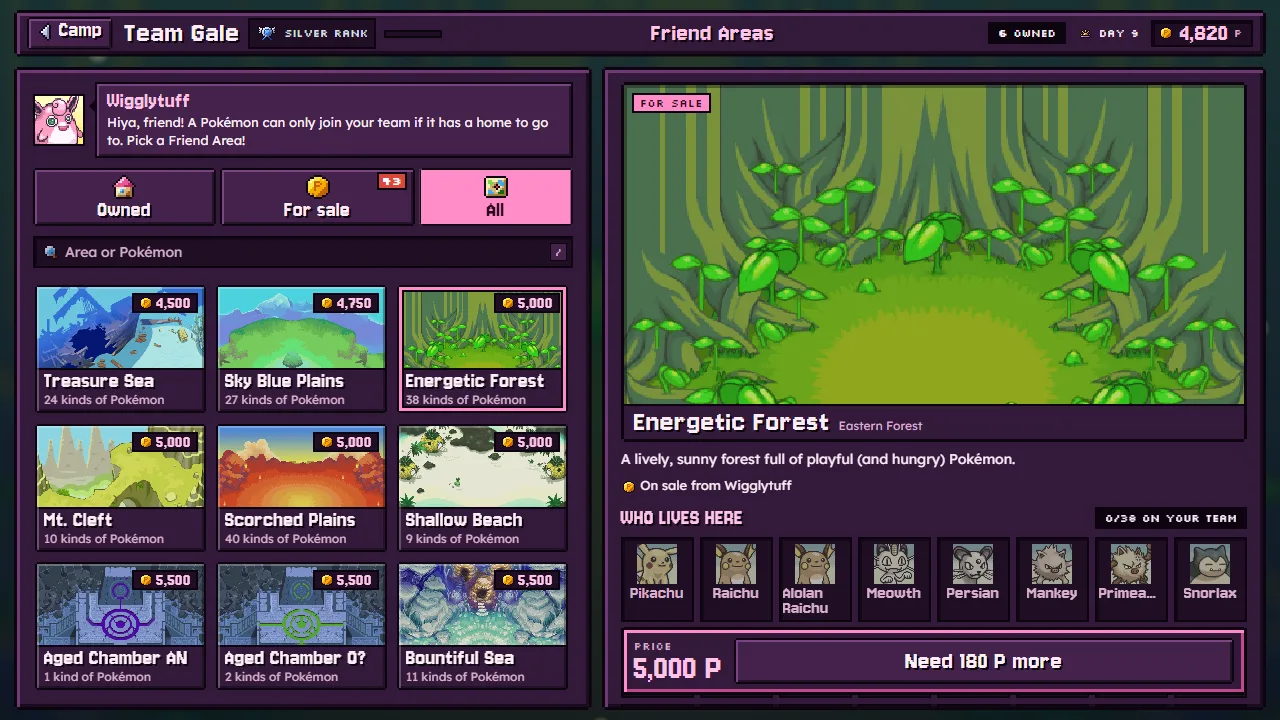
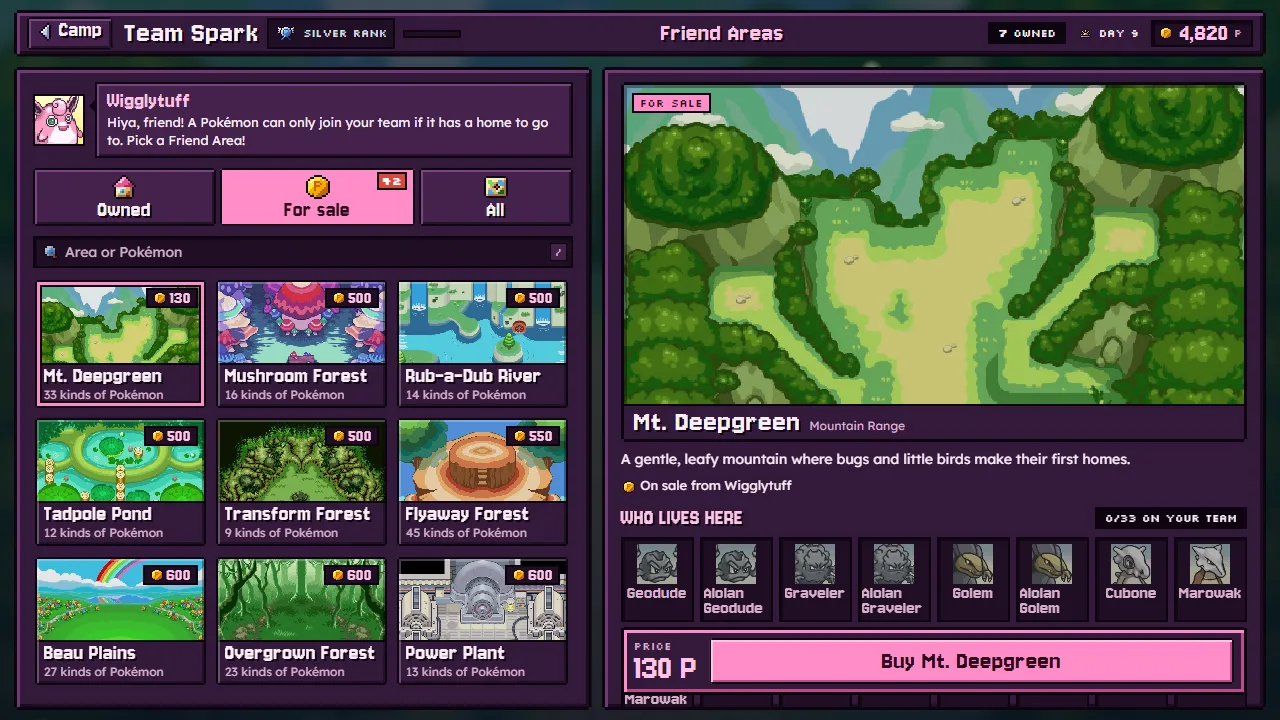
The screen has three tabs: Owned, For sale and All, and a search for an area or a Pokémon. Pick an area to see its map, the kinds of Pokémon that live there, how many of them are on your team, who waits for it, and its price. Areas are bought with Poké, and storage pays when what you carry is short.
| Areas | When | Price |
|---|---|---|
| Wild Plains and Mist-Rise Forest | Yours from the start | |
| 17 more of the story's areas | On sale from the start | 130 to 2,500 P |
| Mt. Moonview, Sky Blue Plains, Dragon Cave and Boulder Cave | On sale from chapter 3 | 2,250 to 4,750 P |
| 26 more | On sale from chapter 5 | 2,500 to 9,500 P |
| 8 legendary areas | Never sold: each opens when one of its legends joins |
An area has no room limit: buy it once and every Pokémon of its kinds can live there.
Buying an area moves everyone waiting for it in at once. A gold capsule at Meowth's holds the area a waiting recruit needs whenever there is one, so a lucky pull can save you the price.
The early areas are cheap. Buy the ones for the Pokémon you meet most, before they start asking to join. White and green capsules are less likely to hold a species whose Friend Area you don't own, so every area you buy widens Meowth's machine too.
The party, the bench and home
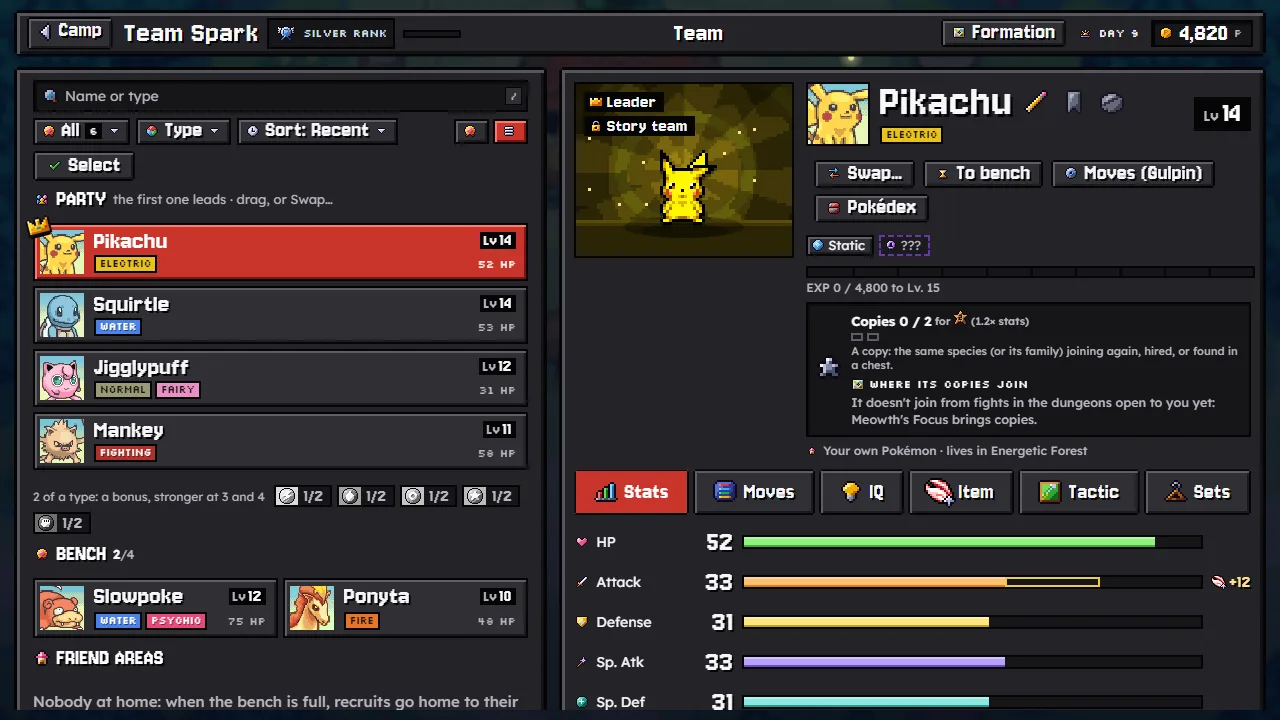
Your roster has three places:
- The party: the four who walk into dungeons. The first one leads.
- The bench: up to four more. They come along on expeditions and can swap in between fights, never for the leader.
- Home: everyone else lives in their Friend Area. They don't come on expeditions, but they stay on your team for good.
On the Team page the bench stands right under the party, as cards, and the Friend Areas list below it holds everyone at home. Drag a Pokémon from home onto the bench or into the party, or use To bench. When the bench is full, the game asks who goes home in its place. Send home sends a bench Pokémon back to its area.
A new recruit takes a party place if there is one, else a bench place, else it goes straight home ("The party and the bench are full"). It is still yours: call it to the bench whenever you like.
The Friend Areas list is a table, one row each with its level, stats, IQ and the area it lives in; the button beside the filters switches it to cards grouped by area. Press a column's header to sort the list by it: level, HP, Attack, Defense, Sp. Atk, Sp. Def or IQ. Its menu narrows it to favourites, the party, the bench, home, who can evolve or star up, the shinies, the Starters (any form of the 49 a new game picks from) or the Legendary ones. A Pokémon at home can be geared up from its Item tab before you drag it into the party.
Releasing
Release sends a Pokémon back to the wild for good, and its hold item goes back to your bag. Your hero and partner can't be released, and neither can a favourite until you take its bookmark off. A released Pokémon stays owned in the Pokédex.
The walk home
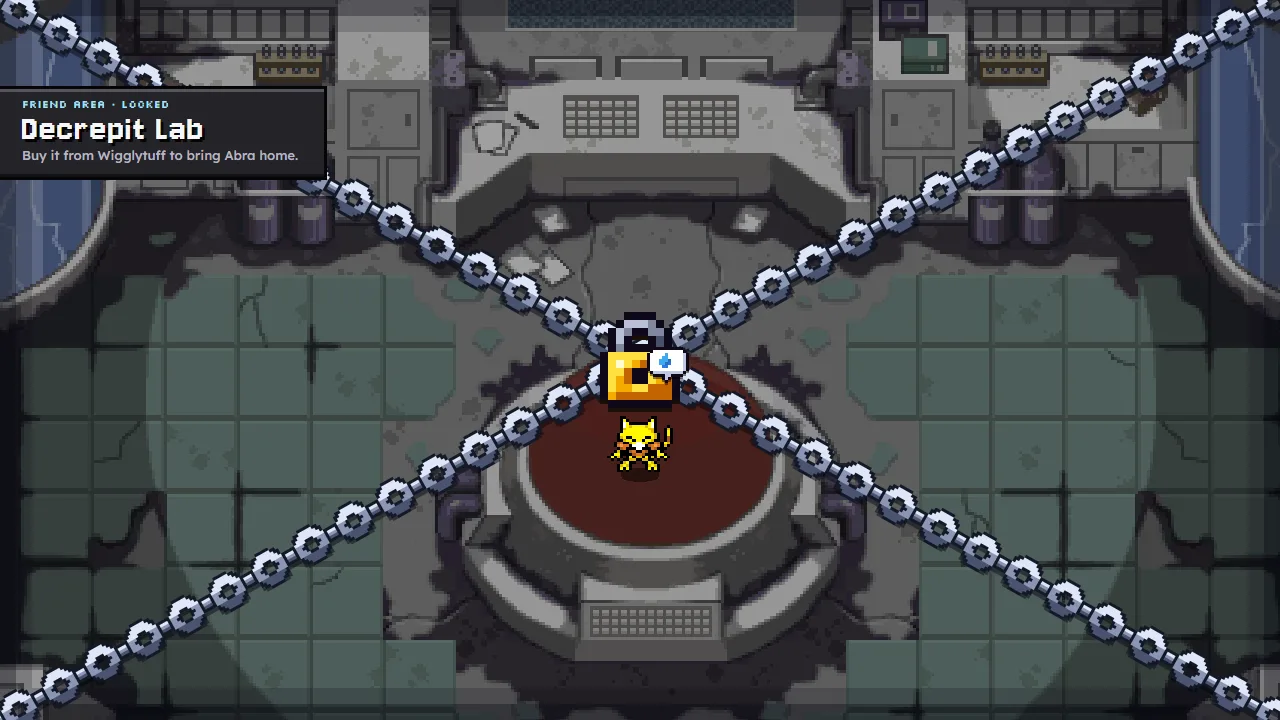
When a Pokémon joins, the scene opens on its Friend Area and it walks in, and a teammate who already lives there comes to greet it. A recruit whose area you don't own walks up to it chained shut, and waits for you to buy it.
You choose who greets. On the Friend Areas screen, an area you own shows Greets newcomers beside its description, with the teammate's face and name. Tap it to pick another of the Pokémon who live there; until you pick one, the first who moved in does it. If your pick leaves the area (released, or evolved into a species that lives elsewhere), the first who still lives there takes over. A shiny greets in its shiny colours, with a ✦ by its name.
Shiny Pokémon wear the shiny badge on the Friend Areas screen too: on the area's card, in Who lives here, and over their heads as they wander the map.